Stickies
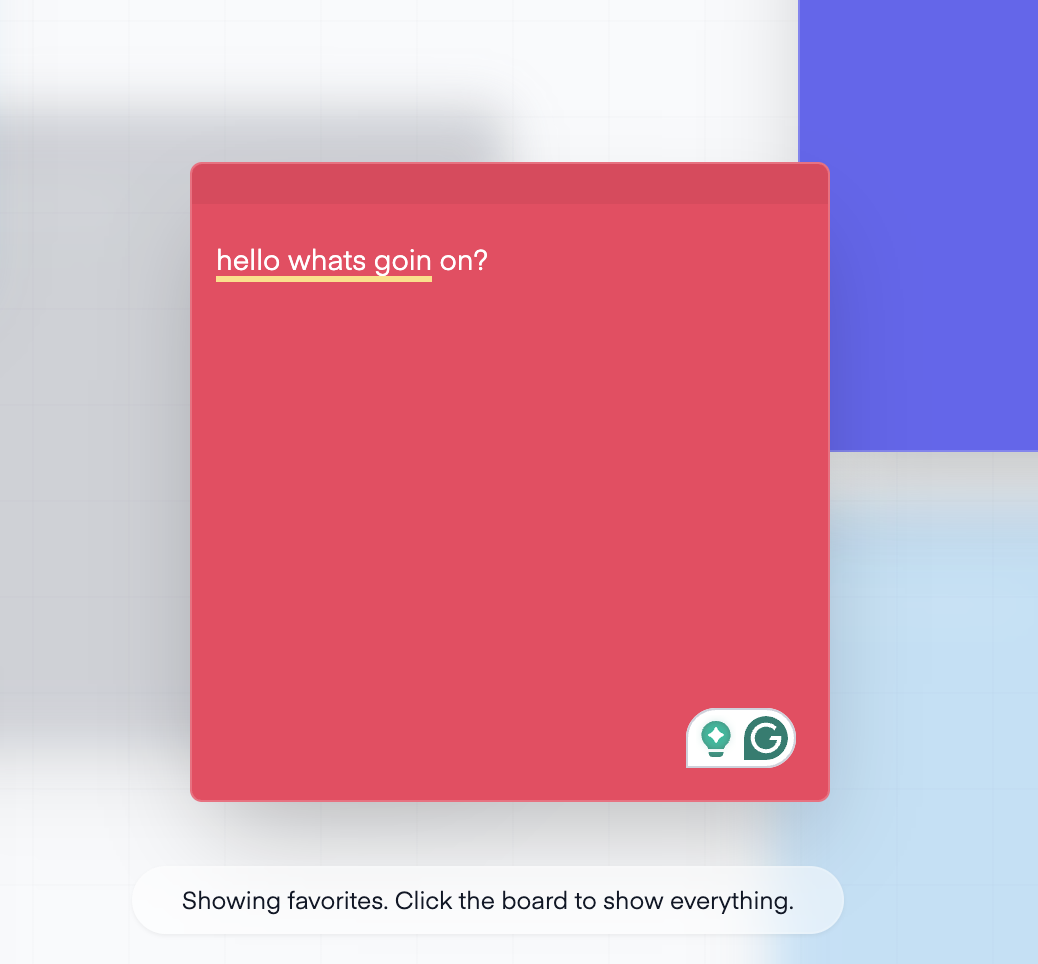
Stickies is a side project I built as a playful note-taking app where notes behave more like objects on a board than entries in a list, inspired by the Apple Mac Stickies app. Think less “productivity command center,” more “brain dump with manners.”
Context
I built this when I was starting to really deep dive into Vue 3. I did not want to learn it through something purely functional and forgettable. As both designer and frontend engineer, I wanted a small product with a bit of personality, something that could make note-taking feel tactile, loose, and slightly chaotic in a good way.
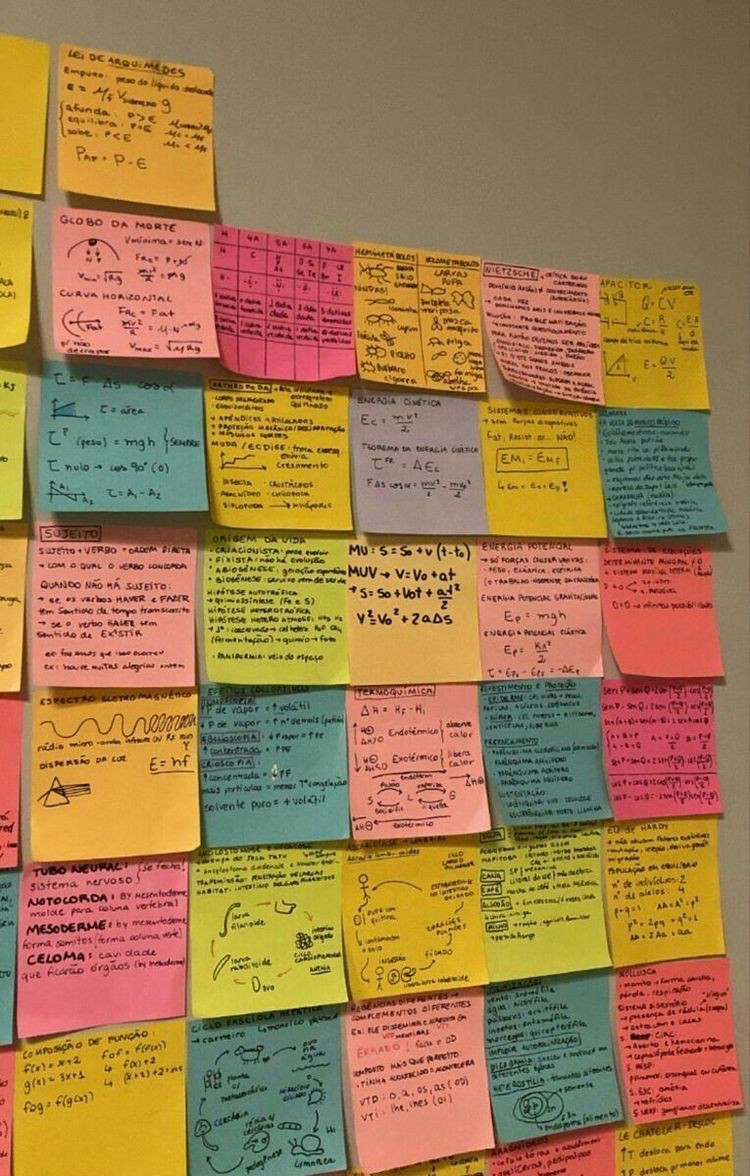
I kept coming back to the Apple Mac Stickies app and the feeling of notes existing as little objects on your screen rather than rows in a productivity system. Most note apps are built around order: lists, folders, sidebars, rigid cards. Stickies came from a different instinct. I wanted the board to feel like a surface you could drop thoughts onto, move around mentally, and keep a little messy without losing usefulness.
The core of the project is simple: click anywhere on the board and a note appears there. That one decision shapes the whole product.
Instead of asking the user to think in forms or rows, the interface lets them think spatially. Notes are positioned on a canvas, each with its own color, and the board becomes something between a scratchpad, a wall, and a desktop surface.
Interactive Demo
I rebuilt a reduced version of the note here in React to preserve the interaction details from the original Vue app. It is intentionally constrained to one note, but it keeps the parts of the experience that matter most: drag from the handle, cycle colors, favorite, delete, and bring the note back by clicking the board.
I like placing this early because the character of Stickies does not just come from how it looks. It comes from how the note behaves. The interaction is doing the storytelling here.

Interaction Model
What I enjoyed most here was shaping the feel of the board. I wanted each note to behave less like a card inside an app and more like a movable object. That meant making interaction feel immediate: click to create, drag from a visible handle, reveal controls only on hover, and let notes stack naturally as you move through them.
The note controls are intentionally small but expressive. You can favorite a note, cycle its color, delete it, and bring it to the top of the stack just by interacting with it. Those behaviors are simple, but they give the board a sense of life and make the interface feel less static.
There is also a deliberate contrast between screens. The landing page feels calm and editorial, while the board feels like a workspace you step into. That shift helped the project feel more intentional than a single-screen toy. Cute is fine; useful-cute is better.
Design Direction
A big part of the direction was making the notes feel like actual sticky notes instead of generic cards. I wanted them to feel bright, tactile, a little messy, and alive on the canvas. A card with yellow paint is not automatically a sticky note, and I took that personally.
That showed up in a few places: square note proportions, strong paper colors, subtle borders, stacked depth, a visible drag handle, and note controls that stay hidden until you engage with a note. The board itself is treated like a surface too, with a grid, blur, and enough spacing to let the notes feel placed rather than boxed in.
The color system mattered too. Notes do not stay visually flat. You can cycle a note's color and let the board gradually become more varied, which helps the app feel less like a document editor and more like an arrangement of real objects.


From Note to System
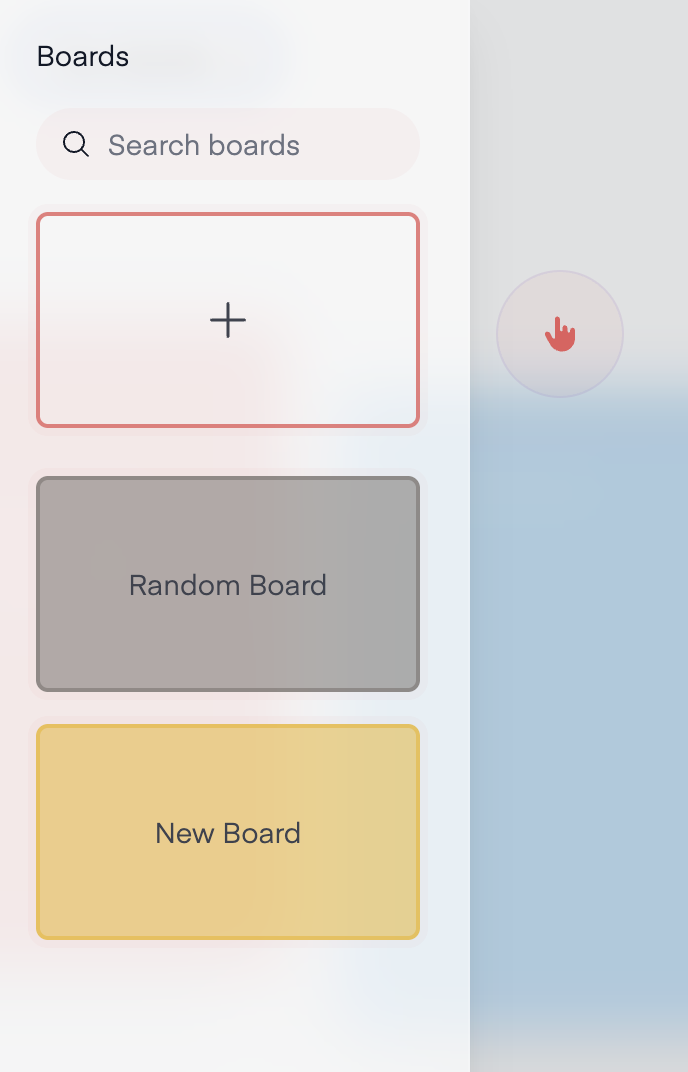
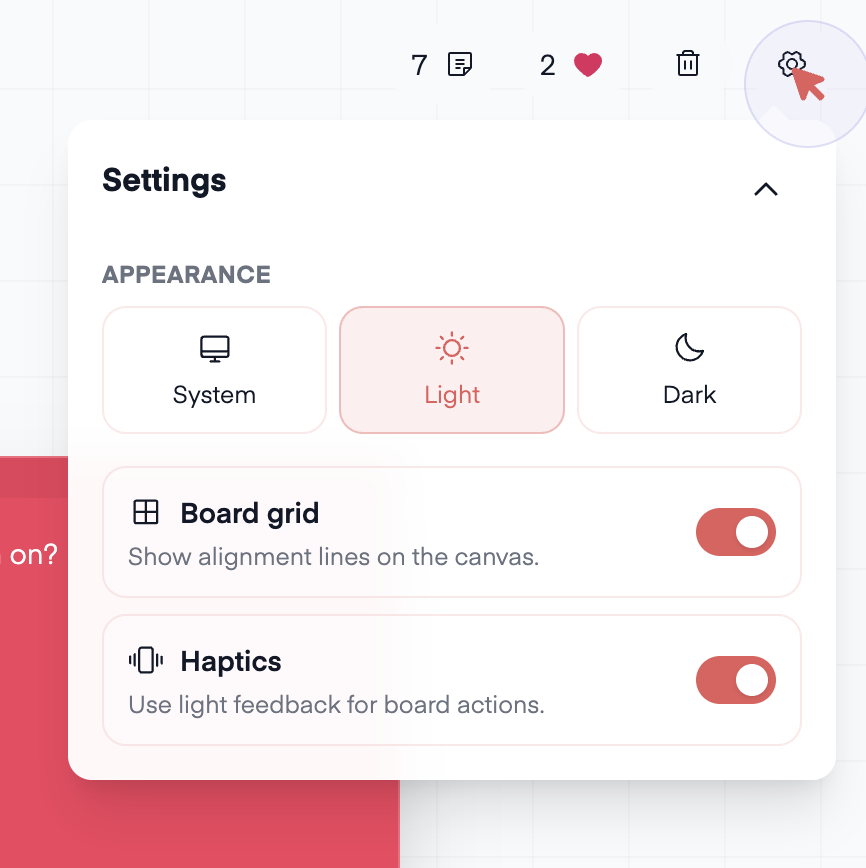
What started as a simple note-on-a-board idea gradually turned into a more complete workspace. I recently added features that pushed it beyond a small frontend experiment: multiple boards, board search, favorites focus mode, a settings modal for theme, grid, and haptics, and a clearer header that makes the workspace feel more like a real tool. The side project started paying rent.
Favorites became especially useful because they changed the board from a flat canvas into something with modes. When focus favorites is on, the rest of the notes fall back with blur and reduced opacity, so the loved notes become the active layer. I like that because it shifts attention visually without pushing the user into a different screen.
The settings modal pushes that idea further. Theme mode, grid visibility, and haptics are not huge features by themselves, but together they make the board feel adjustable and personal. Haptic feedback especially interested me as a small progressive enhancement, because it gives actions like toggling favorites or changing settings a small physical response.
Under the hood, I kept the architecture straightforward. Vue 3 powers the interface, Pinia handles board and note state, localStorage keeps everything persistent between sessions, and the note model stores the pieces that make the board work: content, coordinates, color, and loved state.
I also set the project up to run beyond the browser. Alongside the Vite web app, I wired in Electron so the same product could be treated as a lightweight desktop tool. That mattered to me because it pushed the project from “small frontend experiment” toward “actual product surface.”


Reflection
Stickies is small, but it captures something I care about in side projects: the interface should have a point of view.
It was also a useful project technically. It gave me a real product to learn Vue with, state management to think through, persistence to wire up, and interaction details to shape beyond the bare minimum. As I kept working on it, it became a place to explore how a simple idea can grow into things like favorites, settings, theming, and multi-board organization without losing its original charm.
More than anything, it reminded me that small tools can still have character. They do not need to be huge to feel designed.